Execution keys, which allow users to download and configure workstations, are assigned in the DeltaV User Manager. It is possible that execution keys have not been assigned.
Note
You must log in to DeltaV as a user in the DeltaV Admins group to grant execution keys.
To determine if execution keys are assigned:
- Click
.
The DeltaV User Manager program opens.
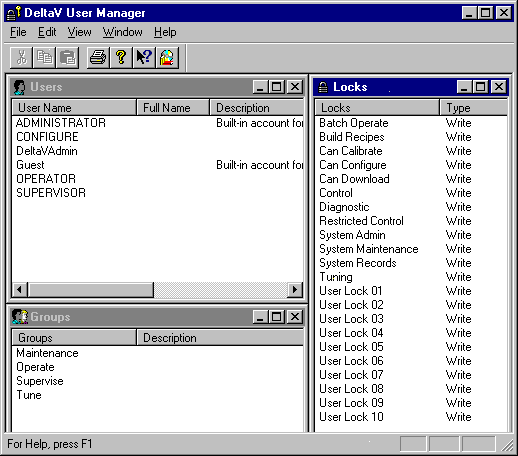
- Double-click the user name
to open the
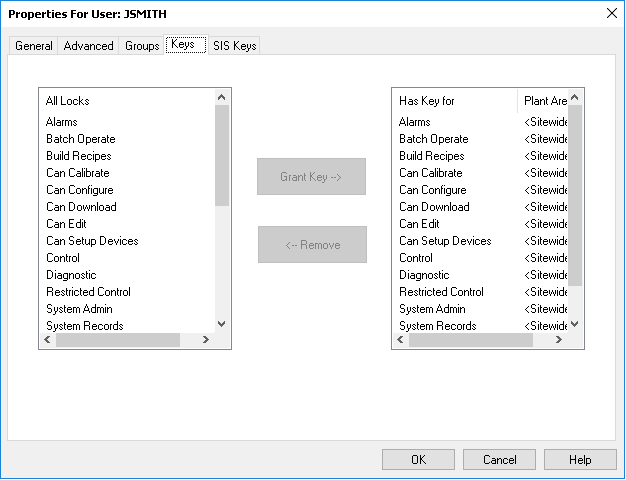
Properties For User dialog box, and then click the
Keys tab.
 Note
NoteYou must have the Can Download key to download the workstation and the Can Configure key to modify the configuration database.
- Look at the Has Key For area. If Can Download and Can Configure are not in the list, add them, and then click OK.
- Download the runtime database.