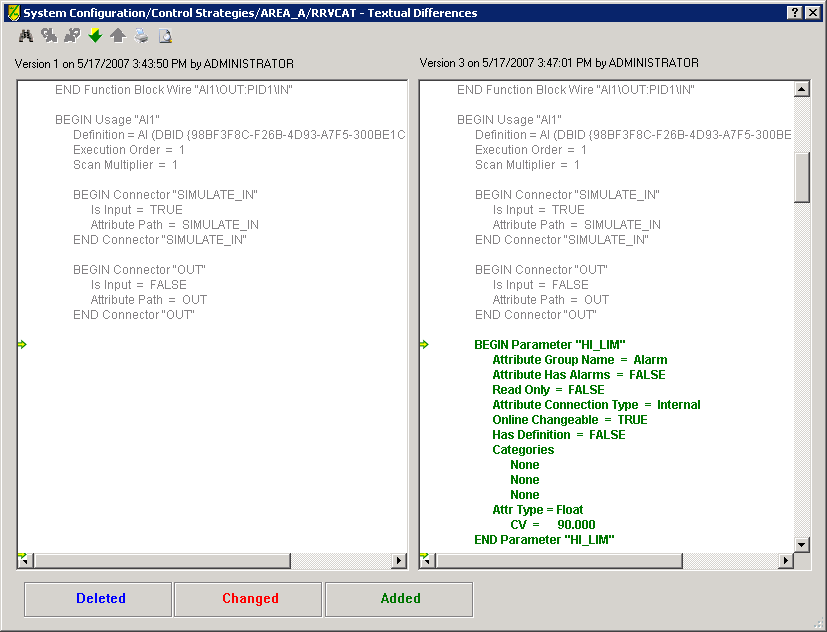
To see the differences in text, click the Text button. The Textual Differences dialog opens. The view shows the unchanged items in gray, added items highlighted with green, changed items highlighted with red, and deleted items highlighted with blue. The text above each pane of text indicates the versions of the item being compared.