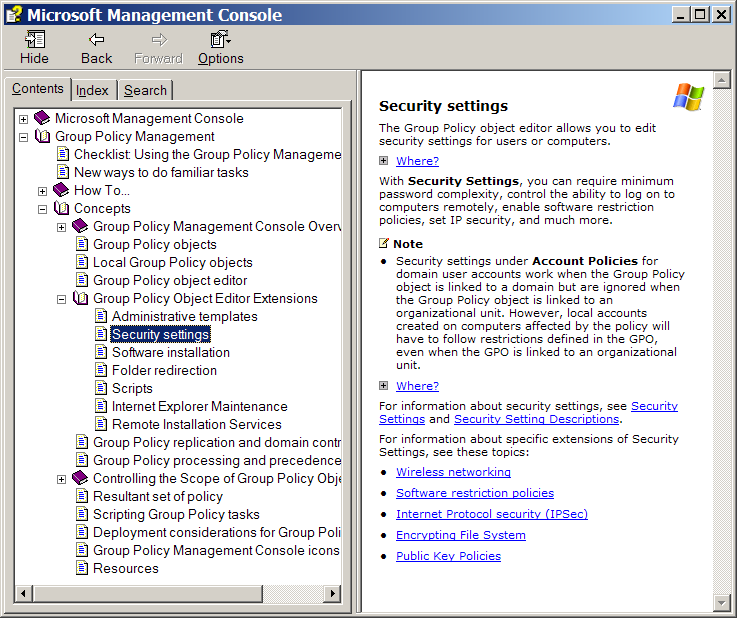
In domain environments, Microsoft's software restriction policies can be used to prevent certain software programs from running under any circumstances. In domains, software restriction policies are created for a particular GPO. The policies are enforced against users associated with that GPO. A software restriction policy consists of a default rule about whether programs are allowed to run and exceptions to that rule. The default rule can be set to Unrestricted or Disallowed; that is run or do not run. Setting the default rule to Unrestricted allows an administrator to define exceptions; for example, the set of programs that are not allowed to run. A more secure approach is to set the default rule to Disallowed and specify only the programs that are known and trusted to run.
For complete information on software restriction policies, refer to the Microsoft TechNet article named Using Software Restriction Policies to Protect Against Unauthorized Software.
The Microsoft Management Console is used to create software restriction policies. You can download this utility from the Microsoft Download Center.
After downloading the Microsoft Management Console, follow these steps to access it and use its online help to create software restriction policies: