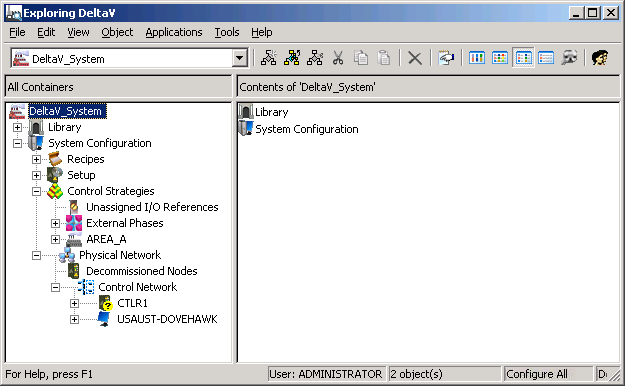
Under the View menu, there are several options you may want to try. You can change from small icons (the default) to large. You can also choose to have additional details displayed in the right pane. As you work with DeltaV Explorer, you will determine which view option is best for the work you are doing.