DeltaV system software includes a variety of applications to help you configure, operate, document, and optimize your process. The primary applications are categorized as Engineering Tools and Operator Tools. Additional tools are available for Advanced Control, Installation, and Online Help.
There are several ways to start an application. One is to click Start (in the lower left corner of your screen), point to DeltaV, point to the category, and click the name of the application. For instance, to start DeltaV Explorer, the Start menu selection would look like the following:
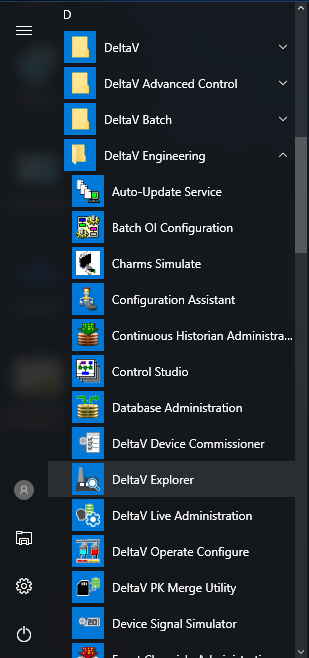
In this book, the instruction for starting DeltaV Explorer is expressed as "Click ."
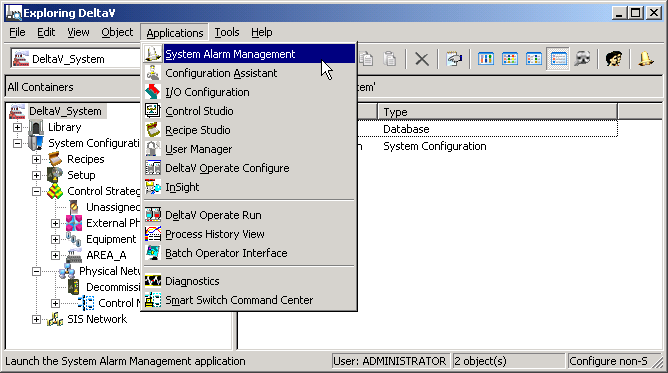
Many applications allow quick access to other DeltaV applications through buttons on their toolbars and through an Applications menu. The following example shows the Applications menu and some of the toolbar buttons in DeltaV Explorer.