The Groups tab is where you can assign the user to a user group that has predefined access privileges. The Keys tab is where you can restrict or grant access to control module parameters and fields. The locks may be for individual plant areas or across all plant areas. You do not need to be concerned about either of these tabs until you have more of your system set up. At some point, however, you will have to specify in detail the locks and groups. Refer to the Online Help for the User Manager for more information on how to do this.
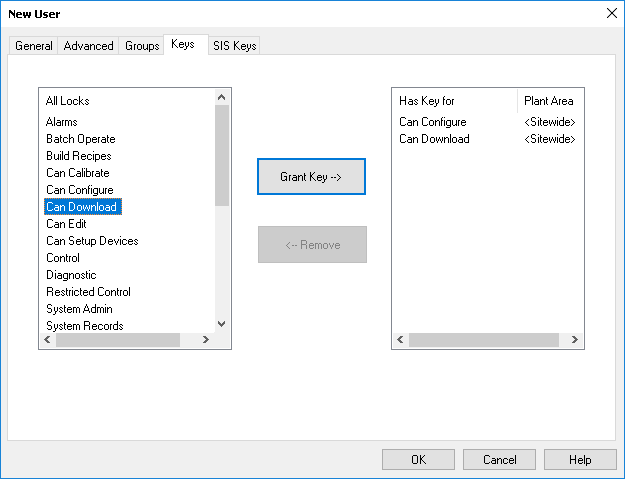
You can modify existing users' DeltaV keys and DeltaV group memberships when logged into Windows as a DeltaV Administrator (a member of the DeltaV Admins Windows group). You do not need to be a Windows administrator (local or domain) to do these tasks.