Configuring I/O channels
Add an I/O card or placeholder
In DeltaV Explorer, select
System Configuration
→
Physical Network
→
Control Network
→
CTLR1
→
I/O
.
Right-click
I/O
and select New Card from the menu.
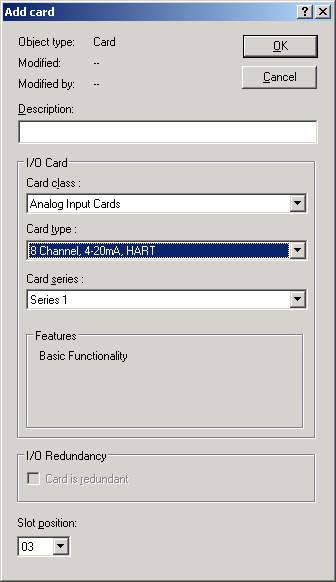
The Add Card dialog appears.
Type a description for the card (such as Analog Input) and confirm or change the slot position.
Select a Card class from the top pull-down list. (The first card is an Analog Input card.)
Select a Card type from the second pull-down list. (The first card is 8 Channel, 4-20mA, HART).
Click OK.
Repeat the procedure to add the remaining three cards, using the information from the table in the topic on configuring I/O channels.