Finishing steps for creating control modules

Assign the module to a controller node

If you configured a controller or created a placeholder controller, you will be able to assign the module to the controller. If you have not configured a controller, do so now. For information about connecting your controller hardware, refer to the hardware installation manual in DeltaV Books Online.
  1. Click the Main button, point to Download, and then click Assign to Node.

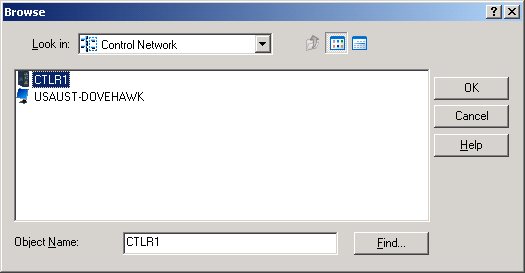
    The Browse dialog opens.

  2. In the Browse dialog, select the controller.
  3. Click OK and then click Yes to confirm the database modification.