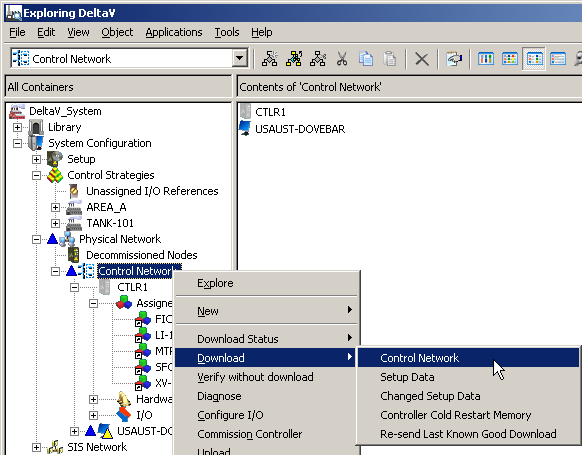
Open (or restore) DeltaV Explorer and open
System
Configuration → Physical
Network → Control Network → CTLR1 (or
your controller name) → Assigned
Modules. (This shows you all the modules you have
assigned to the controller.)
Select and right-click
Control Network, and then select
Download → Control
Network.
When asked, confirm that you want to proceed with the download.
When asked, confirm that you want to check the configuration.
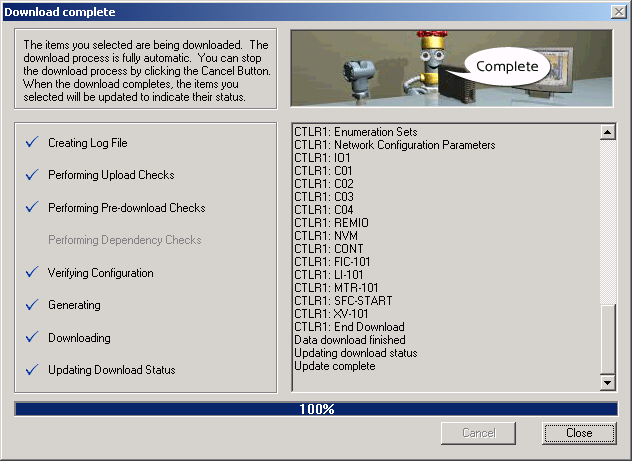
A window opens to show you the progress of the
download and to let you know when it is complete.
When the download is complete, click
Close.
Quit DeltaV Explorer and any other DeltaV applications you have
open.