Modifying the motor module - overview

Open the TANK-101 module

  1. In Control Studio, click the Main button, and then click Open.

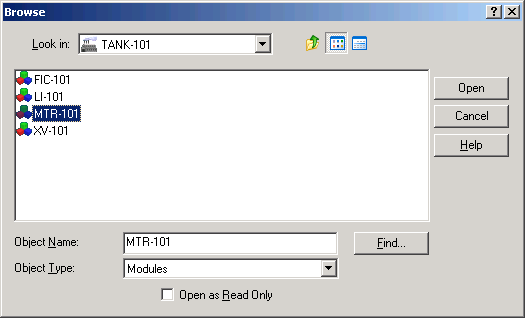
    The Browse dialog appears.

  2. For Object Type, select Modules.
  3. If TANK-101 is not in the Look in field, click the pull-down list, and then select Control Strategies. In the large center box that lists the contents of Modules, double-click TANK-101.

  4. Select MTR-101, and then click Open.

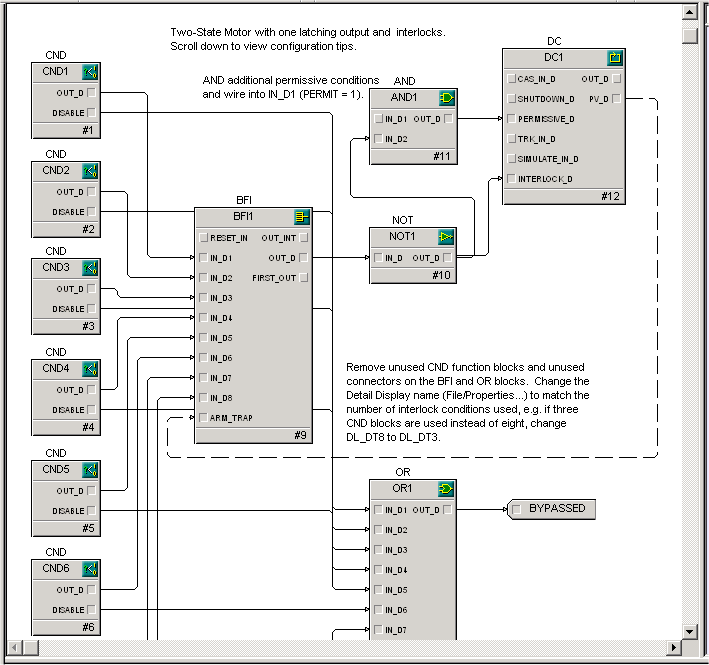
    The MTR-101 module is displayed in the Diagram view.

  5. Enlarge the Control Studio application window to its full size by clicking the Maximize button in the upper right corner.
  6. Select the Logical palette so you can easily access the descriptions for the individual blocks.

    Remember, you can select and right-click a palette item or a function block on the diagram, and then select Help to open DeltaV Books Online for information about the selected item.