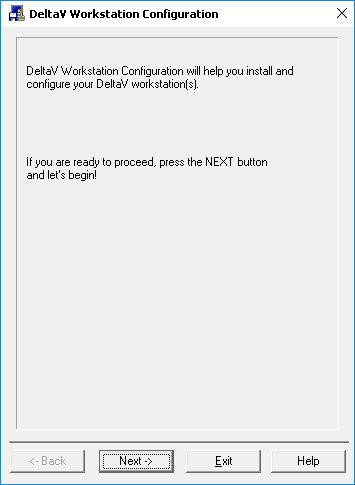
When you start up a workstation for the first time, the DeltaV Workstation Configuration application opens automatically. If you elect not to configure the workstation right away, then you will need to open the application from the DeltaV program group when you are ready to perform the configuration. You cannot do any work with the DeltaV system until the workstation is configured. The Workstation Configuration application guides you through the process of configuring the ProfessionalPLUS. Remember to refer to the online help for complete information on configuring the ProfessionalPLUS workstation. The Workstation Configuration application sets up the workstation's network settings and creates the initial database to hold the DeltaV system configuration. This process may take several minutes to complete. You are instructed to restart your computer for the configuration changes to take effect.