Modifying the motor module - overview

Remove excess blocks from a module template

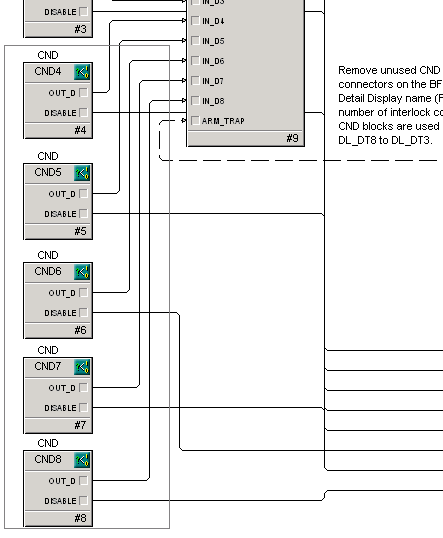
Having unused condition blocks on the Function Block Diagram does not affect operation, but deleting them improves the appearance of the diagram.

  1. Place the mouse pointer outside the upper left corner of CND4.
  2. Click and hold the left mouse button, then drag to include the lower right corner of the CND8 box.

    Boxes CND4 through CND8 should now be selected. If not, click a blank spot and try again.

  3. Press the Delete key to delete the selected items (or right-click, and then select Delete from the context menu.)
  4. Click Yes when asked to confirm the deletion.

    Another way to delete multiple blocks is to select them while holding down the Shift key, and then press the Delete key.