Finishing steps for creating control modules
Save the module
-
 Click the
Save button on the
Quick Access Toolbar.
Click the
Save button on the
Quick Access Toolbar.
-
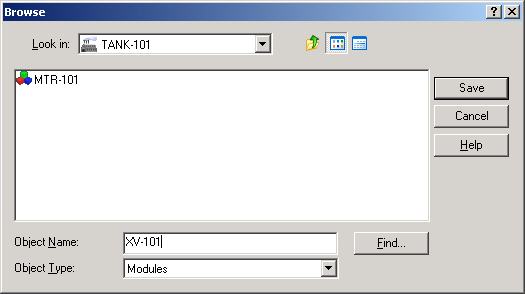
In the
Objects Type box, select
Modules.
-
In the
Look In field, select
Control Strategies, and then double-click
TANK-101. MTR-101, the module you created earlier in DeltaV Explorer, is in the
list of modules.
-
In the
Object Name box, type XV-101 as the name for
this module, and then click
Save.