Finishing steps for creating control modules

Verify the module configuration

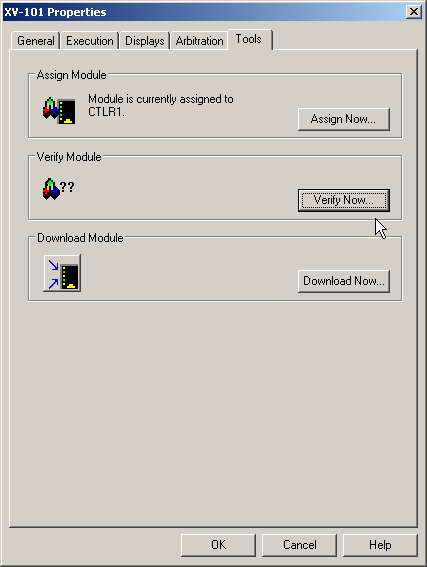
  1. Click the Main button, point to Module, and then click Properties.

    The Properties dialog opens.

  2. Click the Tools tab.

  3. Click the Verify Now button.

    A message is displayed; it may contain minor warnings due to I/O references.

  4. Click OK to close the message box, and then click OK in the Properties dialog.

You now have two control modules, one for the motor and one for the block valve.