(These are general instructions and are not part of the
tank process tutorial. If you have a controller and I/O connected, they are not
likely to match the hardware specifications for the example.)
In DeltaV Explorer, select
System
Configuration → Physical
Network → Control
Network → controller
placeholder.
From the context menu, select
Properties.
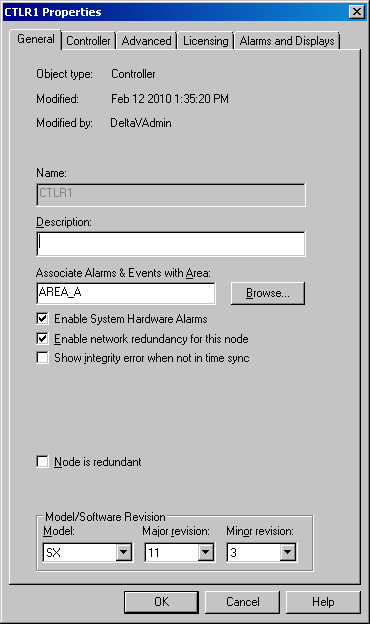
The
Controller Properties dialog appears.
Select an area to associate alarms and events with, and select the
check boxes required for your installation. You do not need to set any values
in the Model/Software Revision group of the dialog box. Accept the defaults.
When you download, the DeltaV system updates the values in this group to
reflect the controller model and software revision in your system.