You can select multiple CHARMs under an I/O nodes in the I/O Explorer pane and configure their CHARM Hardware Type property, as shown in the following figure:
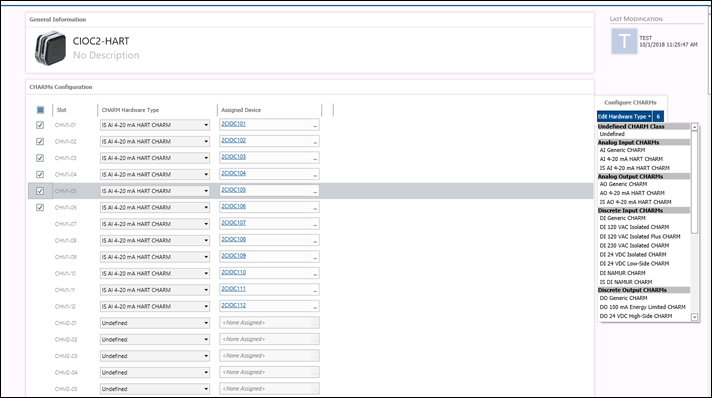
Note that Ctrl-click and Shift-click work as in Windows Explorer and other applications for selecting multiple CHARMs.
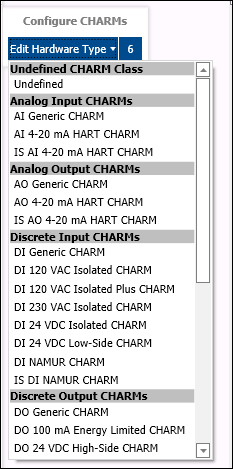
When you have selected the CHARMs you want to configure, you can use the dropdown control at the far right of I/O Studio to change the Hardware Type property. The following figure shows the dropdown control. The number at the top right of the control indicates the number of CHARMs selected.