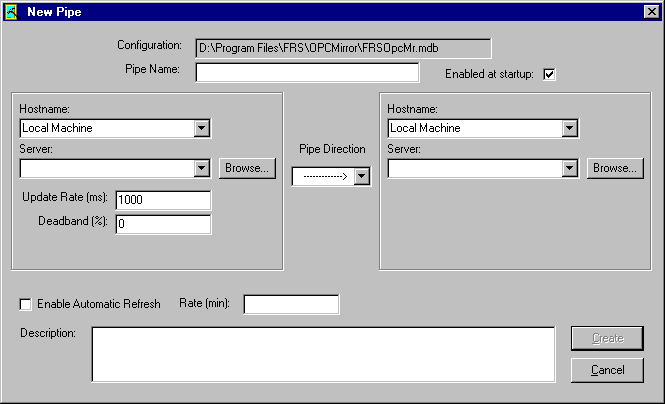
Allows you to change pipe properties such as Hostname, Server name, update rate, etc. You can also set whether the pipe is enabled or not.
Note
A pipe name cannot be changed.
- Start Mirror Configuration by selecting .
- Click .
- If no pipe is open, select a pipe from the list in the Pipe Properties dialog.
- Make any changes in the Pipe Properties dialog, then click Save.
- Click Exit in the Pipe Properties dialog, if necessary.
Note
- The Enable at Startup checkbox only controls the status when a new pipe is added and any time an OPC Mirror client starts.
- When Mirror Client is running and only Enable at startup and/or Description are changed, the pipe won't be listed in the Modified Pipes list since these fields do not affect Mirror Client.
- Automatic refresh is only available on one-way pipes. The option is grayed out for two-way pipes.