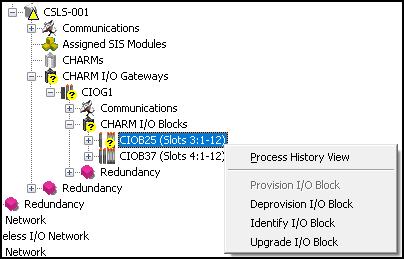
WARNING!
Upgrading a simplex Scanner Module temporarily shuts down the Scanner Module and terminates communication with any process. Be sure that the Scanner Module you are upgrading is not communicating with a process; failure to do so can cause significant disruption of a process.
-
Right-click the Gateway and select
Upgrade Gateway.
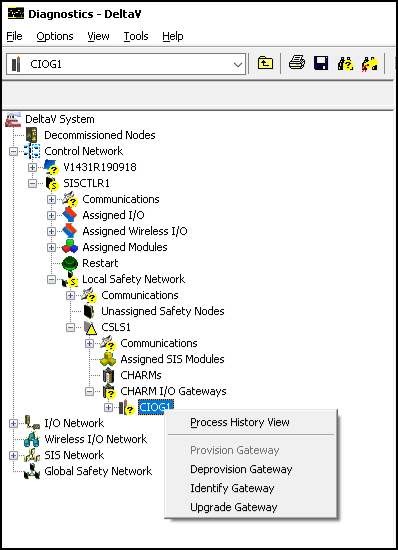
DeltaV Diagnostics displays the following dialog:
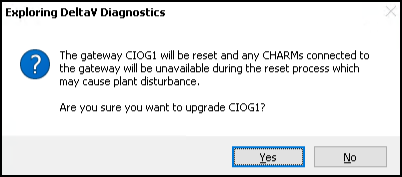
Clicking Yes initiates the upgrade. The selected I/O Gateway, and all deprovisioned I/O Blocks and I/O Blocks with redundant Scanner Modules under the I/O Gateway, are upgraded.
Important: Provisioned I/O Blocks with simplex Scanner Modules are not upgraded at this time. If there are any provisioned simplex Scanner Modules in I/O Blocks under the I/O Gateway, you must proceed to the next step. Otherwise, repeat Steps 2 and 3 for all I/O Gateway in the system with simplex Scanner Modules.
- Identify I/O Blocks with provisioned simplex Scanner Modules in the system.