Input configuration
After enabling a Batch Historian, you must identify the data sources. A data source can be either an Alarm and Event subsystem, which provides data about continuous events, or a Batch Executive subsystem, which provides data about batches. You can have both a Batch Executive subsystem and an Alarm and Events subsystem as inputs to the same Batch Historian. Also, a Batch Historian can receive events from multiple Batch Executives; however, a Batch Executive can only send events to one Batch Historian. The same is true of the Alarms and Events subsystem; the Batch Historian can receive data from multiple Alarms and Events subsystems, but each Alarms and Events subsystem can only send events to one Batch Historian.
Input Properties of the Batch Historian
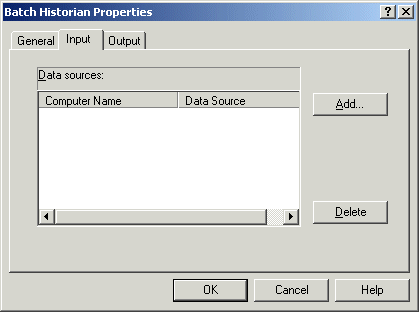
The Batch Historian Input dialog is part of its Properties dialog. Here you can view all the configured data sources, add or delete a data source. Data source types include Batch Executive and Alarms and Events computers.