Generating approval reports
You can generate reports that show all recipes (both approved and unapproved recipes) and unapproved recipes only.
In DeltaV Explorer, select to view all recipes.
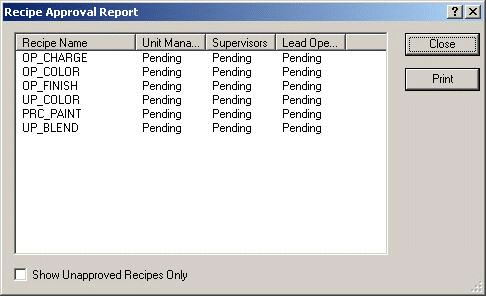
Click the Show Unapproved Recipes Only check box to view all unapproved recipes.
Tip:
Double-click a column heading to sort on that column.