The Configure dialog in DeltaV Explorer provides a single location for all configurable items related to module classes and class-based modules. The Configure dialog is accessed by right-clicking the module class, and then selecting Configure from the context menu.
When you are designing a module class, the Configure dialog provides a list of all parameters that are configurable by default. You can also add parameters to (or remove parameters from) the list of configurable parameters, change default values at the class level, and rename the parameters for viewing in the System Configuration section of the DeltaV Explorer.
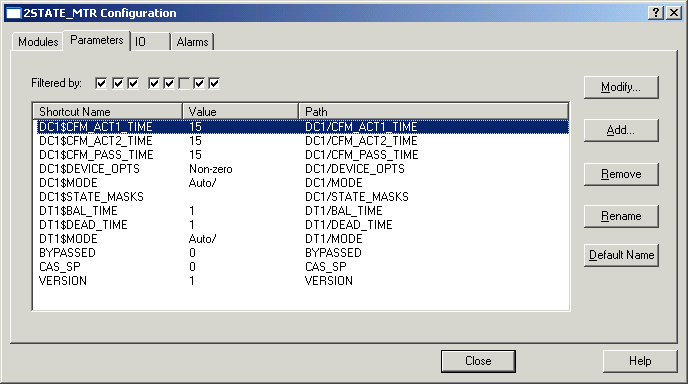
The Configure dialog is also available for editing module instances in the System Configuration section of the DeltaV Explorer. It can be used to change the values of configurable parameters at the instance level, assign I/O device signal tags, and modify alarm attributes.