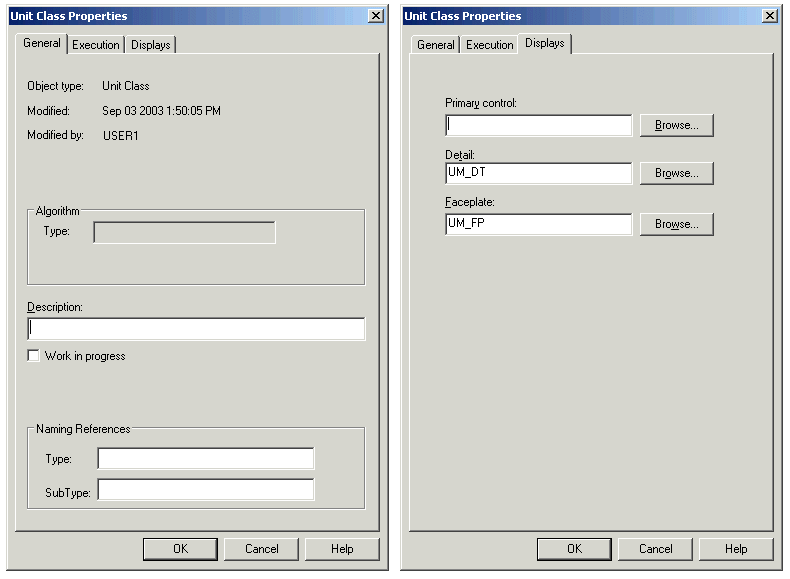
When you create a unit class, you can specify properties for the class. Open the Unit Properties dialog for the COLOR unit class by right-clicking COLOR and selecting Properties from the context menu.
On the General page of the Unit Properties dialog, there is a field for entering a description of the unit class and marking it as Work in progress. There are also fields for creating searchable information (types and subtypes), which can be useful when exporting unit modules to a user-defined format. On the Displays page, you can associate unit modules created from this class with a picture file (such as Process.grf). Default displays are defined for unit module detail and faceplate displays. On the Execution page, you can define how frequently the unit module is scanned.
Don't make any changes on these dialogs at this time. Click Cancel to close the dialog.