Batch recipe creation

Create the operation OP_FINISH in Recipe Studio

The first operation you will create is one to agitate and drain the contents of a blender.

You can create a recipe in DeltaV Explorer and then open it in Recipe Studio to configure it. You can also create a recipe directly in Recipe Studio, configure it, and save it.
  1. Click StartDeltaV EngineeringRecipe Studio.
    Recipe Studio opens with a single step and transition in the Diagram view.
  2. Click the Main button, and then click New.
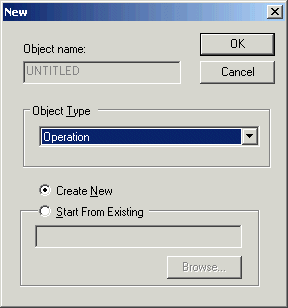
    A New dialog opens.

  3. Accept Operation as the Object Type and click OK.
  4. Make sure Default Transition Conditions is selected so that transition conditions will be written automatically.
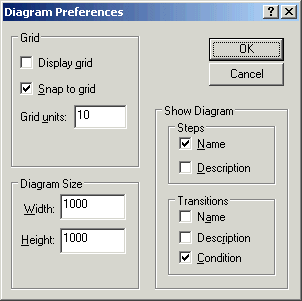
  5. On the Diagram tab, in the Layout group, click Diagram Preferences, and then select Condition under Transitions so that you can see the conditions on the diagram.