- In the DeltaV Explorer, select Named Sets under System Configuration/Setup.
- Right-click, and then select New Named Set from the context menu.
- Rename NamedSet1 to Totalizer.
- Double-click Totalizer to open the Properties dialog.
- Click Add.
- In the State Properties dialog, type the name of the state, Totalize_fast, and change the value to 1. Leave the Visible and User selectable check boxes selected.
- Add the additional states (Totalize_accurate, Reset, and Idle) and assign the state values as shown below.

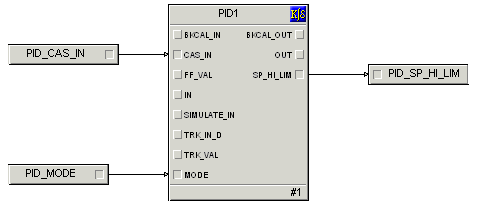
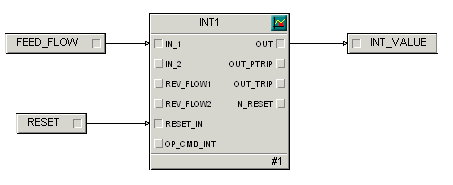
The two control module classes, FLOW_CONTROL and TOTAL_FLOW, were imported as part of the Startup.fhx file. They are both under the AnalogControl category under Advanced Definitions/Control Module Classes. FLOW_CONTROL is a PID loop that can be adjusted to control the flow into the color tank. TOTAL_FLOW is an integrator that keeps track of the total amount of color added to the tank.