Click Start on the command list to send a Start command to the phase.
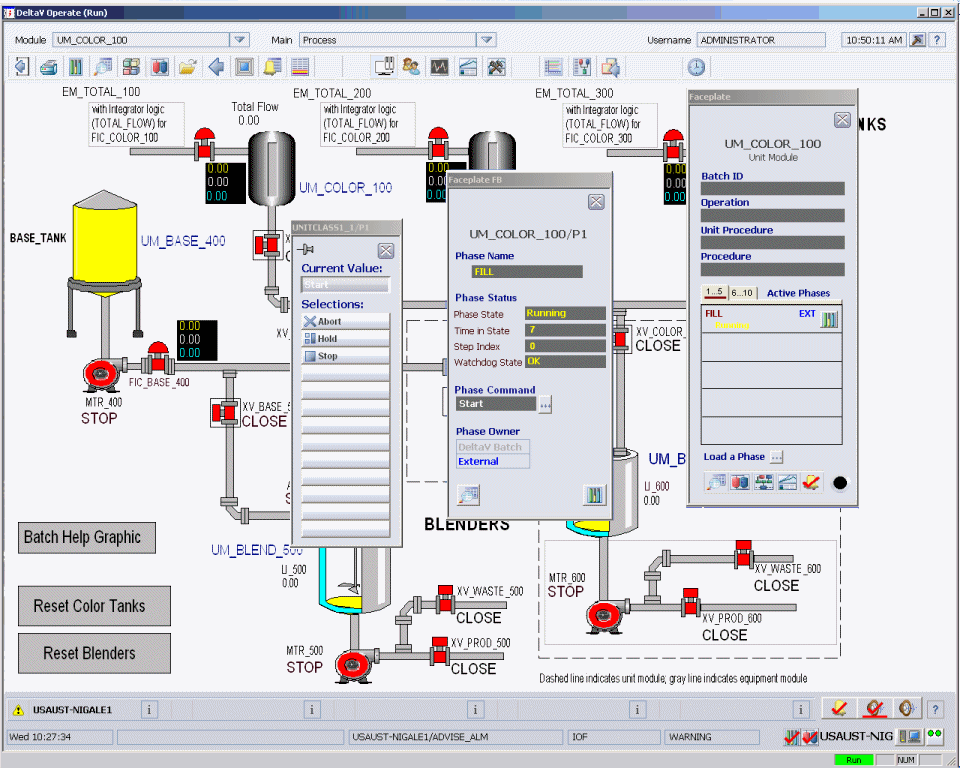
The inlet valve on the Process graphic changes to open and the tank data link shows the tank filling.
The tank will fill to approximately 100 gallons, the amount specified by the batch input parameter FILL_AMOUNT in the FILL phase.