Batch recipe creation > Link groups > Adding phase partners
Add phase partners
-
Go to DeltaV Explorer and expand Library/Advanced Definitions/Phase Classes.
-
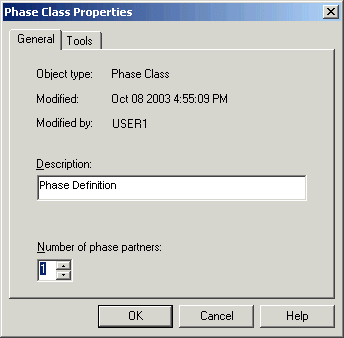
Select the phase class DUMP (under TankPhases), right-click, and select Properties from the context menu.
-
Increase the number of phase partners to 1.
-
Select the phase class CHG_COLOR (under BlenderPhases) and change the number of phase partners to 1.