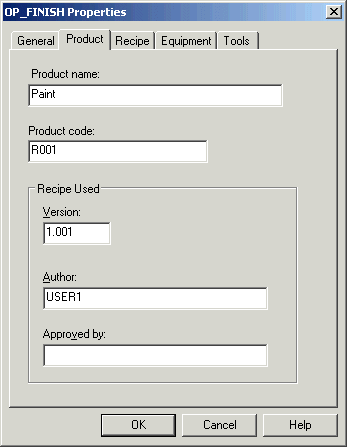
There are several fields you might want to complete to document the recipe. These fields are found on the Product tab of the recipe's Properties dialog. It is recommend that, at a minimum, you enter a version identifier and author. The version identifier can be used to manually track when changes have been made to the recipe or the formula. The Version field and Author fields are logged in the batch history file when a recipe is run.