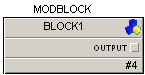
An output parameter appears automatically as an output connector when the object is included in a module block or composite. The output parameter provides an output connection that allows you to send signals to other blocks, modules, displays, or to field devices.
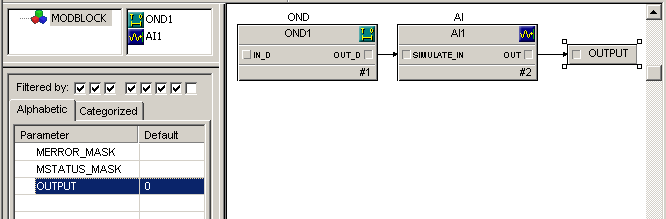
The following figure shows an example of an output parameter that has been added at the module level and how it looks on a function block diagram. Notice in the Parameter View that the OUTPUT parameter appears at the module level. If this module were used inside of another module on a function block diagram, you could directly wire a signal from that parameter.
Use the output parameter to make a parameter visible outside of its current level. If you had put this module with the output parameter into another function block diagram as a module block, you would see the output parameter as shown below: