This generic module faceplate provides access to Alarm Summary and Diagnostics information.
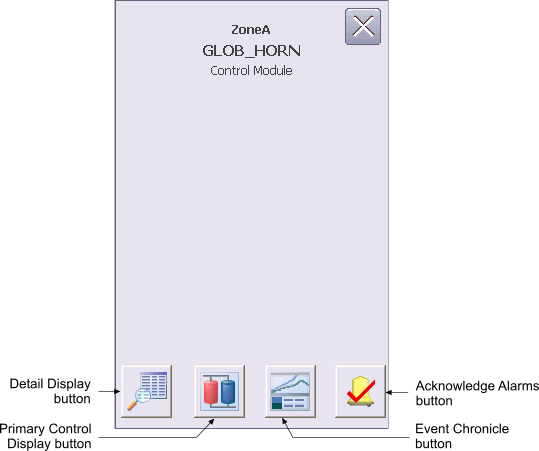
The Generic Module Operator Keyboard faceplate contains the following items:
Detail Display button – Open the detail display for the device.
Primary Control Display button – Open the primary control display.
Event Chronicle button – Open the Process History Viewer.
Acknowledge Alarms button – Acknowledge all alarms in the device.
Module Error indicator (not shown) – A flashing blue bar is displayed below the Detail Display button when a module error occurs. This prompts you to go to the detail display to view and clear the error.