Figure: DeltaV Operate View of the Input Selector Function Block Operator Keyboard Faceplate (XMTR_FP_KB)
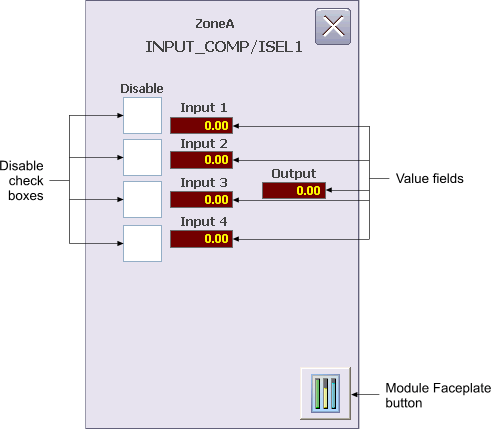
The Input Selector Function Block Operator Keyboard faceplate contains the following items:
Disable check boxes - When a Disable check box is checked, its corresponding input will not be used by the selection algorithm.
Value fields - These fields indicate the value and status of the inputs (IN_1, IN_2, IN_3, IN_4) and the output (OUT). Status is indicated by background color (Good=Gray, Uncertain=Orange, Bad=Red).
Module Faceplate button - This button is used to open the module faceplate display.
For more information, refer to the Input Selector function block topic.