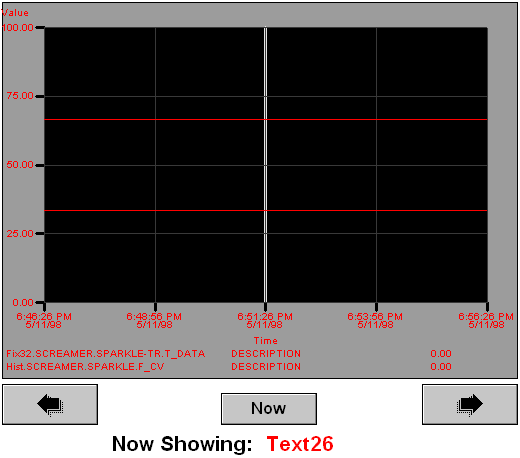
The following topics show how to use VBA scripts to manipulate charts so they display real-time data for a given process value at the click of a button. For examples of using VBA within the DeltaV Operate, there is a Sample System which includes examples of VBA scripting.
The examples in these topics show how to perform the following chart tasks through scripting:
-
Set chart and pen properties at run time.
-
Add and delete a pen.
-
Change pen sources.
-
Change a chart's duration, start time, or end time.
-
Zoom a pen.
-
Pause a real-time chart.
For this example to work properly, you must have a previously configured Extended Trend tag and you must have already successfully trended this tag's data in a chart. Also, you will need to add three command buttons to your picture. The figure below shows how the picture might look.