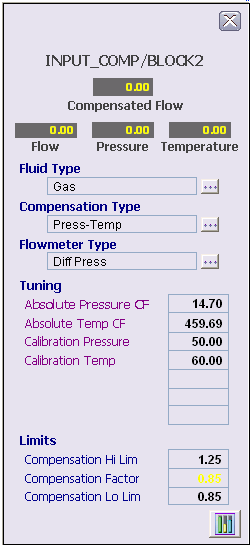
The following figure shows the faceplate in DeltaV Operate configured for a gas stream. The value fields at the top of the faceplate indicate status by the background color (Good-Gray, Uncertain-Orange, Bad-Red). The Pressure and Temperature value fields are visible based on the configured compensation type (COMP). The Compensation Factor under Limits is the actual ratio of the compensated flow to the measured flow. The other fields are configuration fields visible when the fluid type (FLUID) is Gas.
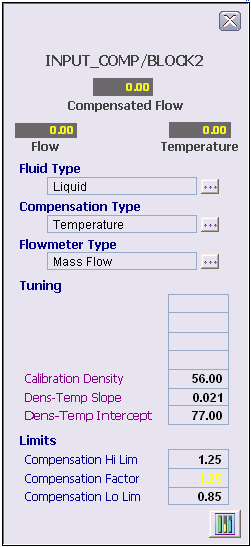
The following figure shows the faceplate in DeltaV Operate with configuration fields visible when the fluid type is Liquid.
Pressing the button at the bottom opens the module faceplate configured as a property of the module. As a default this is the generic module faceplate, MOD_FP.IAF.