At this point you should have configured the serial cards, ports, devices, and datasets through the DeltaV tab of the Dataset Properties dialog.
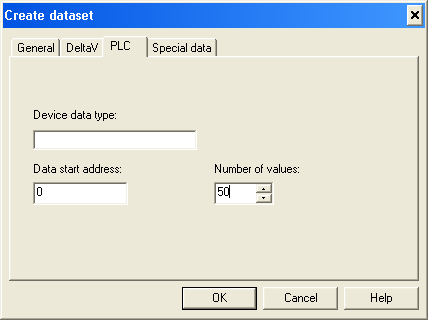
Open the PLC tab of the dialog.
On this tab, specify the DF1 command type to be used to read/write the dataset:
Enter a Device data type that matches the PLC you are communicating with.
Enter a Data start address, specifying where in the PLC table where data is read. This can be any valid PLC specific table address.
Enter a Number of values value. This parameter determines the registers read or written. The start address plus the number of values must not exceed the maximum table size.
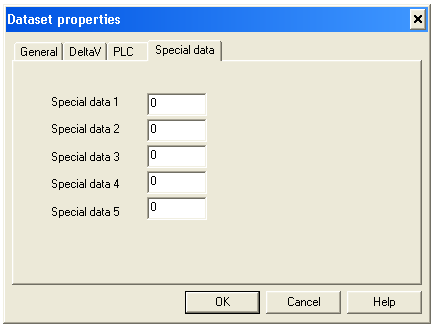
Open the Special data tab.
Enter the value or values required by your application.