Virtual I/O Modules (VIM) > Configure VIM serial cards and ports

Create a serial device for VIM

  1. Create a serial device by right-clicking a port and selecting New Serial Device from the context menu. 
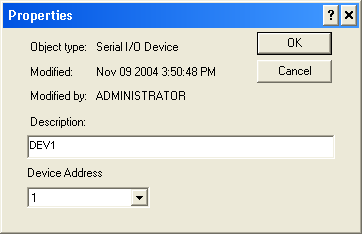
  2. On the Properties dialog that appears:
    1. Enter a description, if desired.

    2. Specify the Device Address. The device address is the PLC device address. 

    3. Click OK to accept your changes and create the device.