When a dynamo is pasted onto a process graphic, a Dynamo Properties dialog opens. The dialog has a field for identifying the name of the function block to be associated with the dynamo, as well as a field for identifying the associated faceplate. The Dynamo Properties dialog for some SIS dynamos include additional fields.
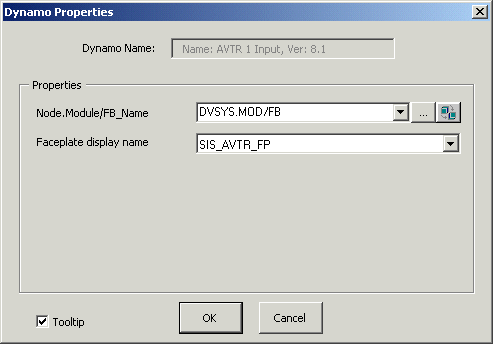
For example, when one of the AVTR input dynamos is pasted on the process graphic, the Dynamo Properties dialog shown below is displayed.
In the
Node.Module/FB_Name edit box, delete MOD/FB and
replace it with the actual tag of the SIS module/function block that you are
referencing. You can click the browse button
 to open the Expression Builder
that allows you to browse for SIS module/function block name.
to open the Expression Builder
that allows you to browse for SIS module/function block name.
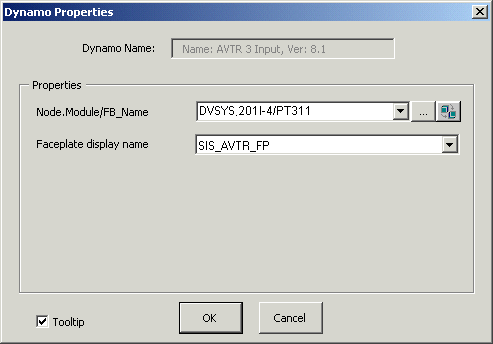
For example, suppose 201I-4 is a module in one of the plant areas. It contains a function block PT311 created from the SIS function block template LSAVTR. The figure below shows the Dynamo Properties Dialog for the 201I-4 module after the module/function block tag 201I-4/PT311 has been entered into the dialog box. After you click OK, the dynamo is displayed on the process graphic and all of the data links within it have a path based on the tag 201I-4/PT311.