Figure: DeltaV Operate View of the HART Generic Device Alarm Detail (SIS_HARTGENERIC_DT)
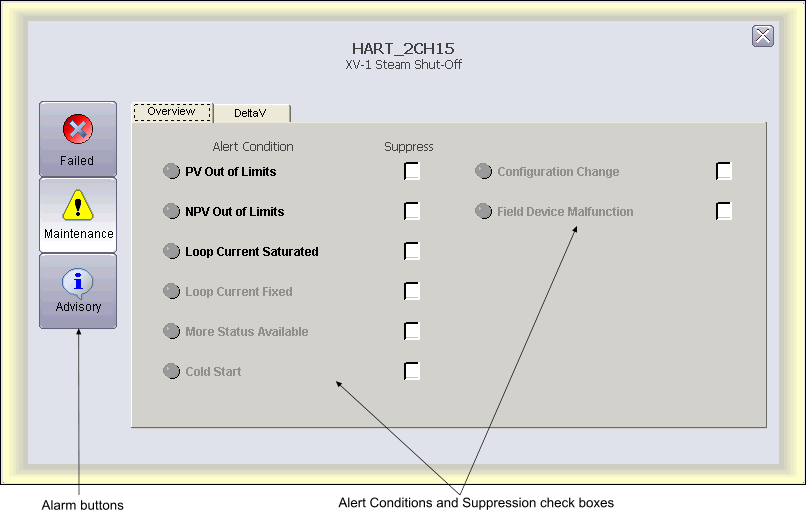
You can open the SIS HART Device Alarm detail display in DeltaV Operate run mode by clicking the Open Detail button on the associated faceplate toolbar. The Alert Conditions and Suppression check boxes list the potential Failed, Maintenance and Advisory alert conditions for generic HART devices. The checkboxes enable you to suppress the associated alert.