When DeltaV Device Commissioner encounters an issue that prevents commissioning a device, it sends that device to the Punch List. The Punch List view enables you to resolve those issues and complete the commissioning process. The following figure shows the Punch List view:
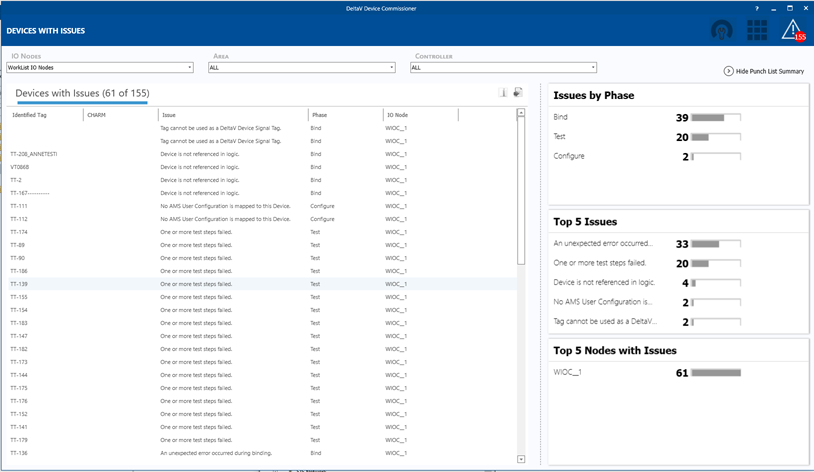
The Punch List shows all devices with commissioning issues, what the issues are, in which commissioning phase the issue was encountered, and which I/O node the device is associated with.
When you have fixed all issues with a device in the Punch List, you can either retry the interrupted commissioning phase or clear the commissioning state of the device and restart the commissioning process for that device. You can either right-click the device or click the entry in the Issue column for the device to select either action.