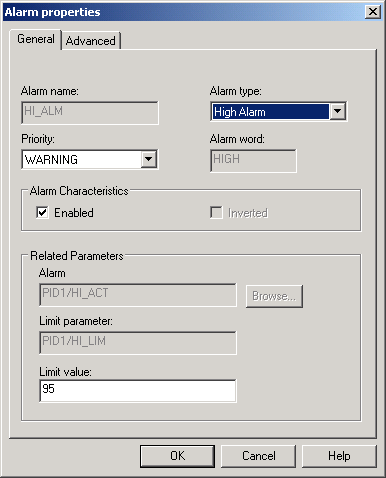
Alarms have been set up in the PID_LOOP template, which we used as the basis for the FIC-101 module. Only three of the alarms, HI_ALM, LO_ALM, and PVBAD_ALM, are enabled. For the example, you will modify HI_ALM slightly to change the value from 95 to 90. This means that an alarm will be activated if the flow goes above 90 gallons per minute.