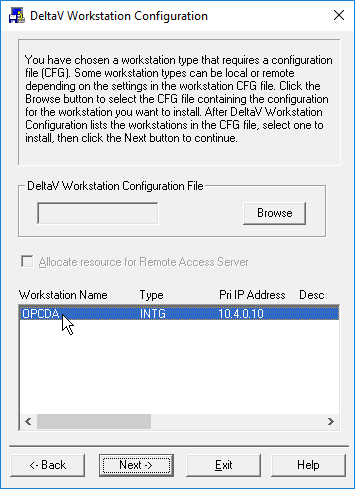
- When prompted to provide the workstation configuration file that you made earlier on the ProfessionalPLUS workstation, click Browse, navigate to the exported workstation configuration file, and double-click it.
-
Select the workstation name, and then click Next.
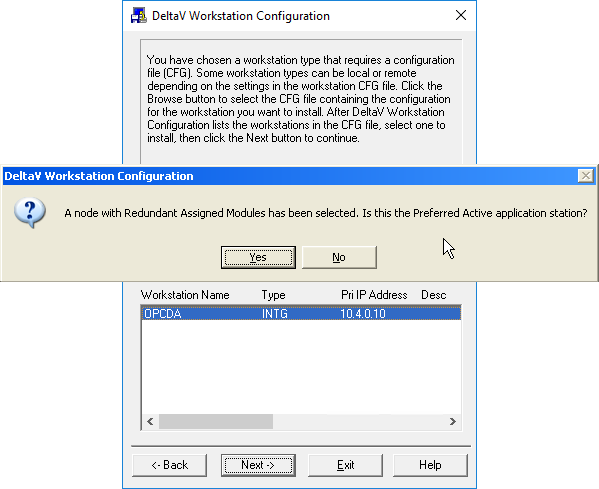
The following message appears: A node with Redundant Assigned Modules has been selected. Is this the preferred active Application Station? When configuring a pair of Application Stations for the first time, you must respond to this prompt by clicking Yes when configuring one of the two Application Stations, and click No when configuring the other Application Station. When you click Yes, the Application Station is given the name that you specified when creating it in DeltaV Explorer on the ProfessionalPLUS workstation; when you click No, the characters _S are appended to the Application Station name.Note
If you ever need to reconfigure either workstation in the pair, you should repond to this prompt by clicking Yes if it is the Application Station that you specified as the preferred active; otherwise, if it is the workstation with the characters _S appended to the base Application Station name, click No.