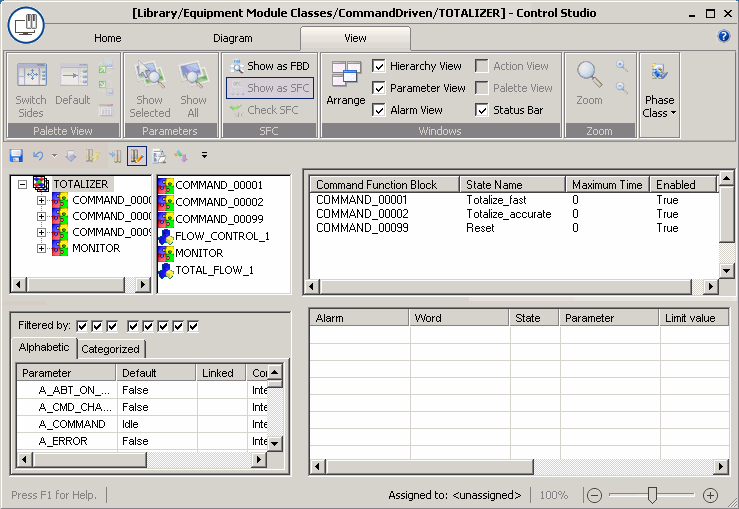
Open the TOTALIZER equipment module class in Control Studio.(From the DeltaV Explorer, right-click TOTALIZER, and then select Open with Control Studio.) Note that it contains module blocks that represent the FLOW_CONTROL and TOTAL_FLOW control module classes. (The module blocks have been named with _1 at the end to indicate they are copies of the class. The number increments for each new copy.) The equipment module also contains a composite block for MONITOR, which is a default block. In addition, it contains three composite blocks beginning with COMMAND that represent the items in the named set totalizer. Each of these command blocks will be configured using sequential function chart logic.